Walk out worry-free.
Your essentials walk with you.
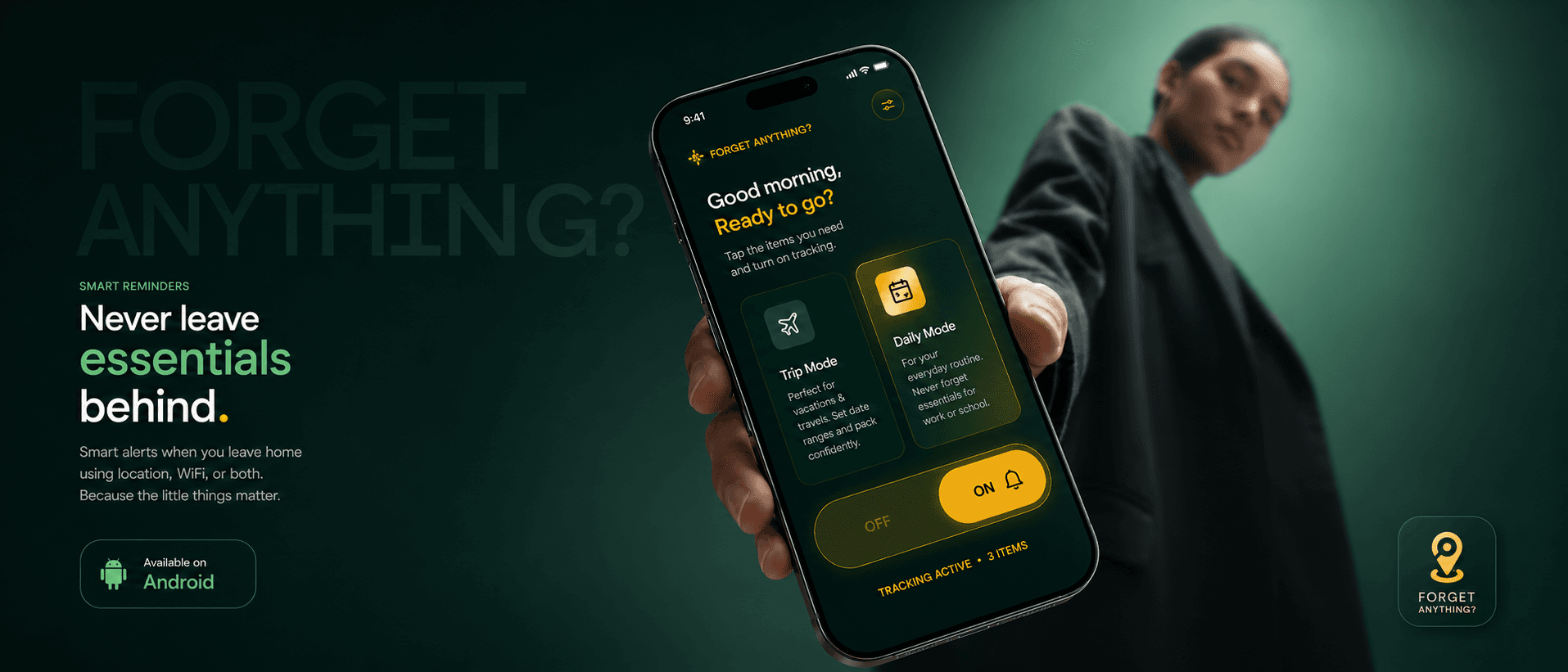
Forget Anything? is an Android app that reminds you of what you need before you leave home, triggered by geofencing and by your phone dropping off the home WiFi. The trigger is departure rather than a clock time, which is what makes the reminder arrive while you can still act on it.
The app catches the exact moment you leave home — by Wi-Fi or geofence — and hands you your checklist before the door clicks shut. 100% offline. Zero tracking.

.png&w=3840&q=75)
You're home
Home Wi-Fi · 3 essentials armed
The instant you cross the door, it knows.
Drag the dial — your safe zone is yours to size. The app notices when your phone leaves the home Wi-Fi or steps past the geofence, and sends your list right then. No 8 AM alarms. No GPS drain.
All quiet
Inside the safe zone
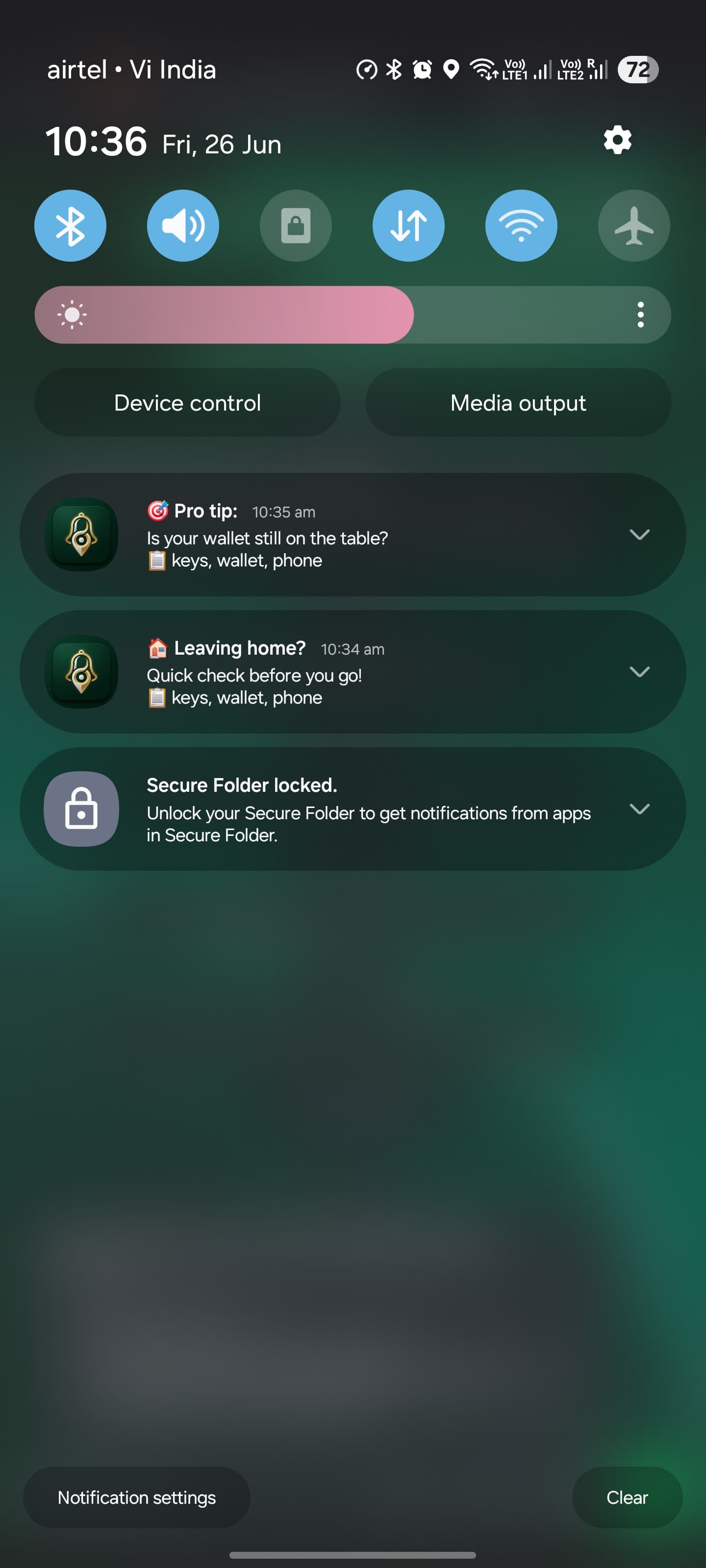
🏠 Leaving home?
📋 keys · wallet · phone
Trigger
Combined
Safe radius
100 m
GPS battery
0%
Data sent
0 KB
You're home
Connected to home Wi-Fi, inside your geofence. The app watches quietly.
You step out
Wi-Fi drops or you cross the boundary. A true departure — not a glitch.
Checklist finds you
Your personalised essentials arrive as a notification. Tap, check, go.
“Did you take everything?”
— the question no app was asking


Five flights of stairs, for a forgotten phone.
I live on the 5th floor, and our lift only runs in the evening. Every forgotten phone meant five flights of stairs — in the morning rush, in the summer heat. When my wife forgot her glasses, that climb was mine too.
I went looking for an app that would ask me the moment I stepped out. Nothing existed. So I built one — with Kotlin, an Android foreground service, and an AI pair-programmer at every step.
Every way it has your back.
The Original Concept
Where this page began · tap centre to open
Pick your trigger.
Wi-Fi Monitoring
The instant your phone disconnects from home Wi-Fi, the reminder fires. No GPS, no battery drain — just a clean signal that you've left.
Geofence Detection
Cross your home radius — 100 m by default, fully adjustable — and the app knows you're on your way. Perfect when Wi-Fi reaches the street.
Combined Accuracy
Require both at once. Wi-Fi drop AND geofence exit before a single nudge — maximum confidence, near-zero false alarms.
%20Wide%20option.png&w=3840&q=75)
Daily Mode
For the everyday routine — armed quietly in the background with zero battery drain.
Trip Mode
Vacation or business travel? Set a date range and build a custom packing list. One confident reminder.
Every screen, one purpose.
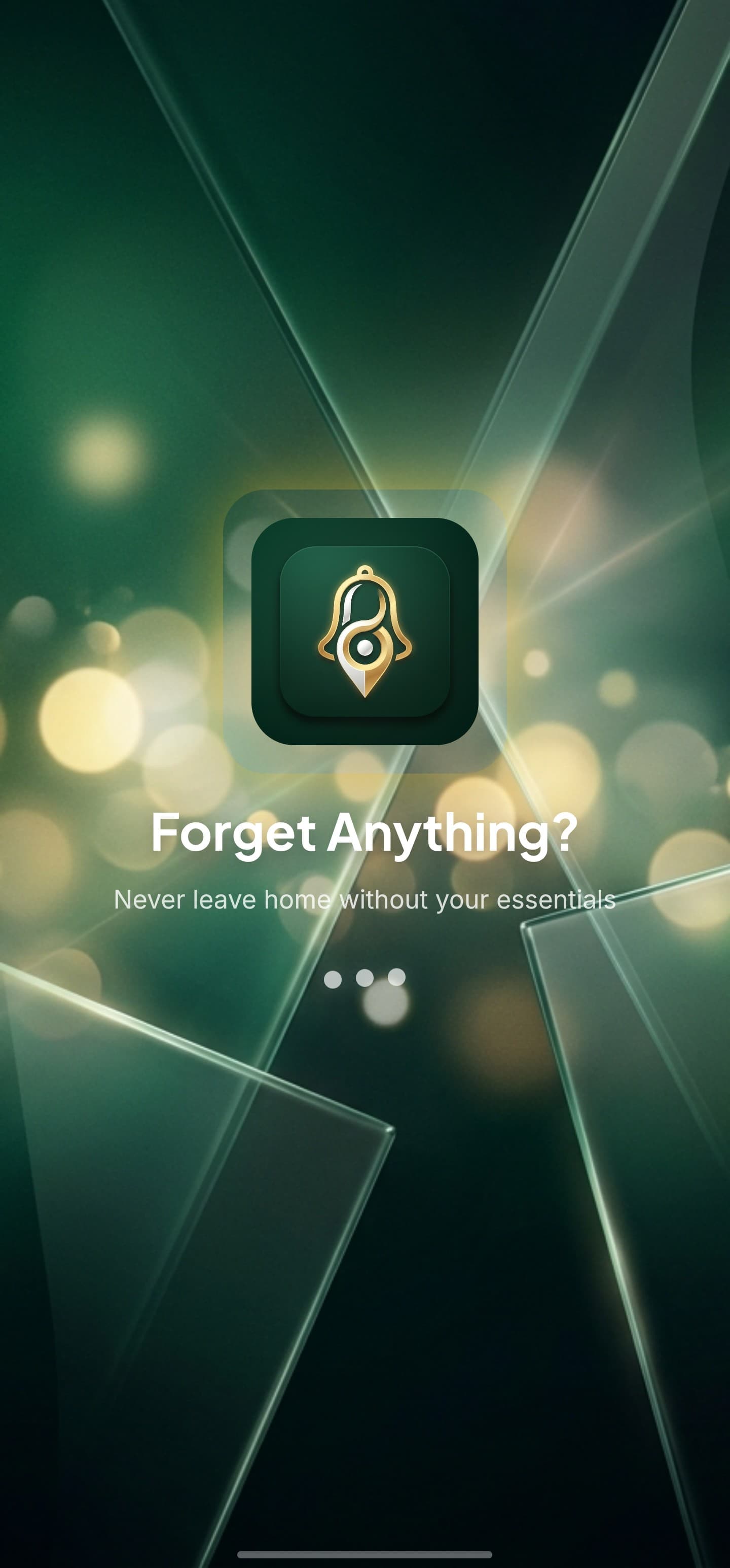
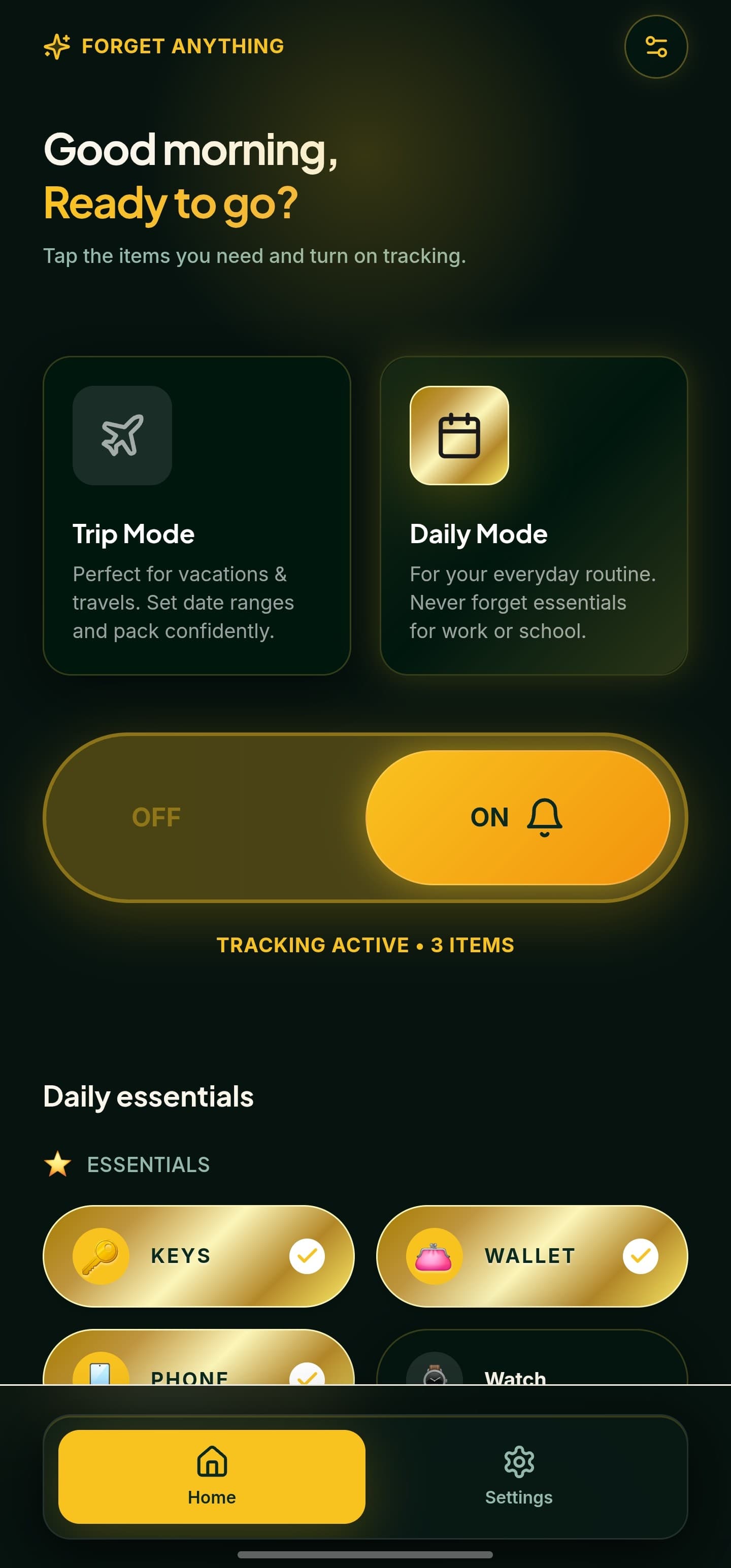
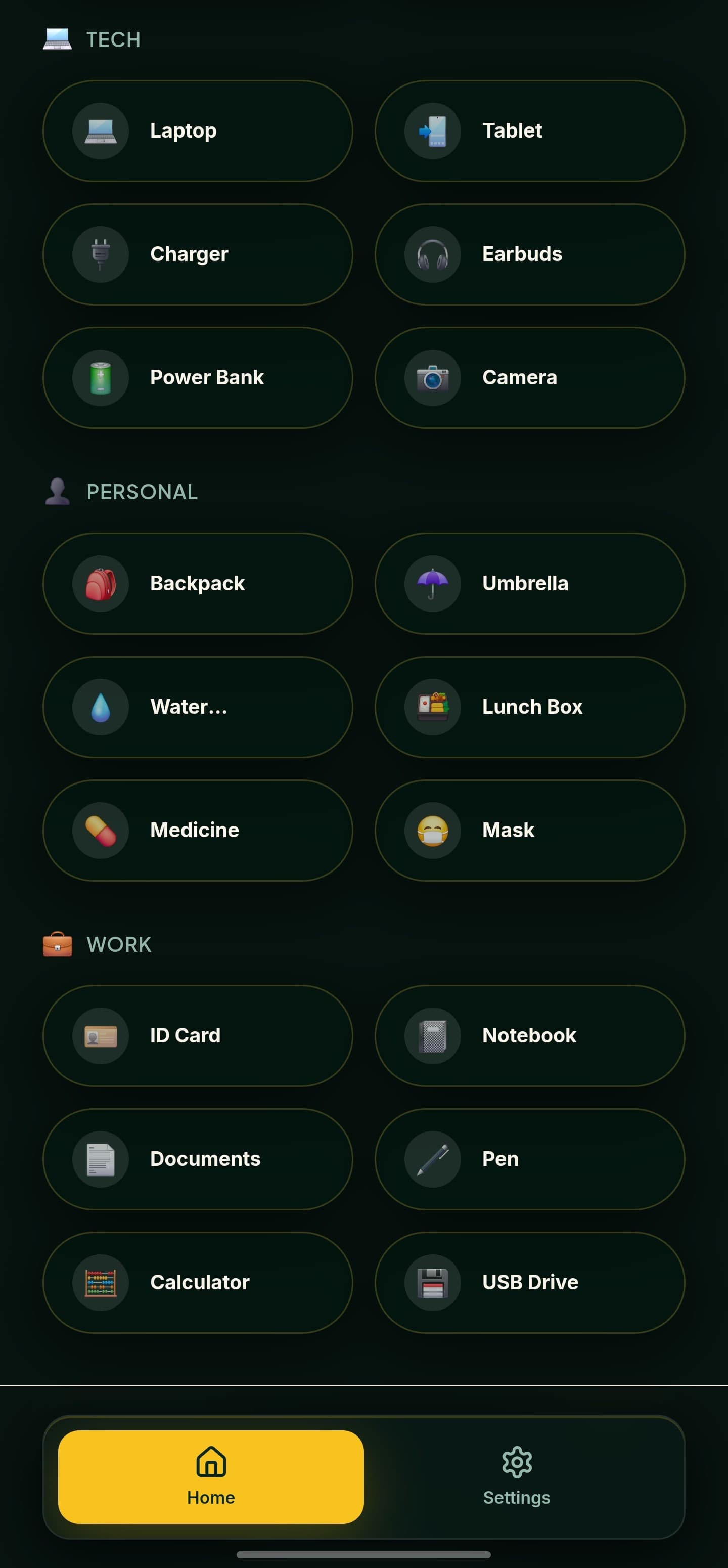
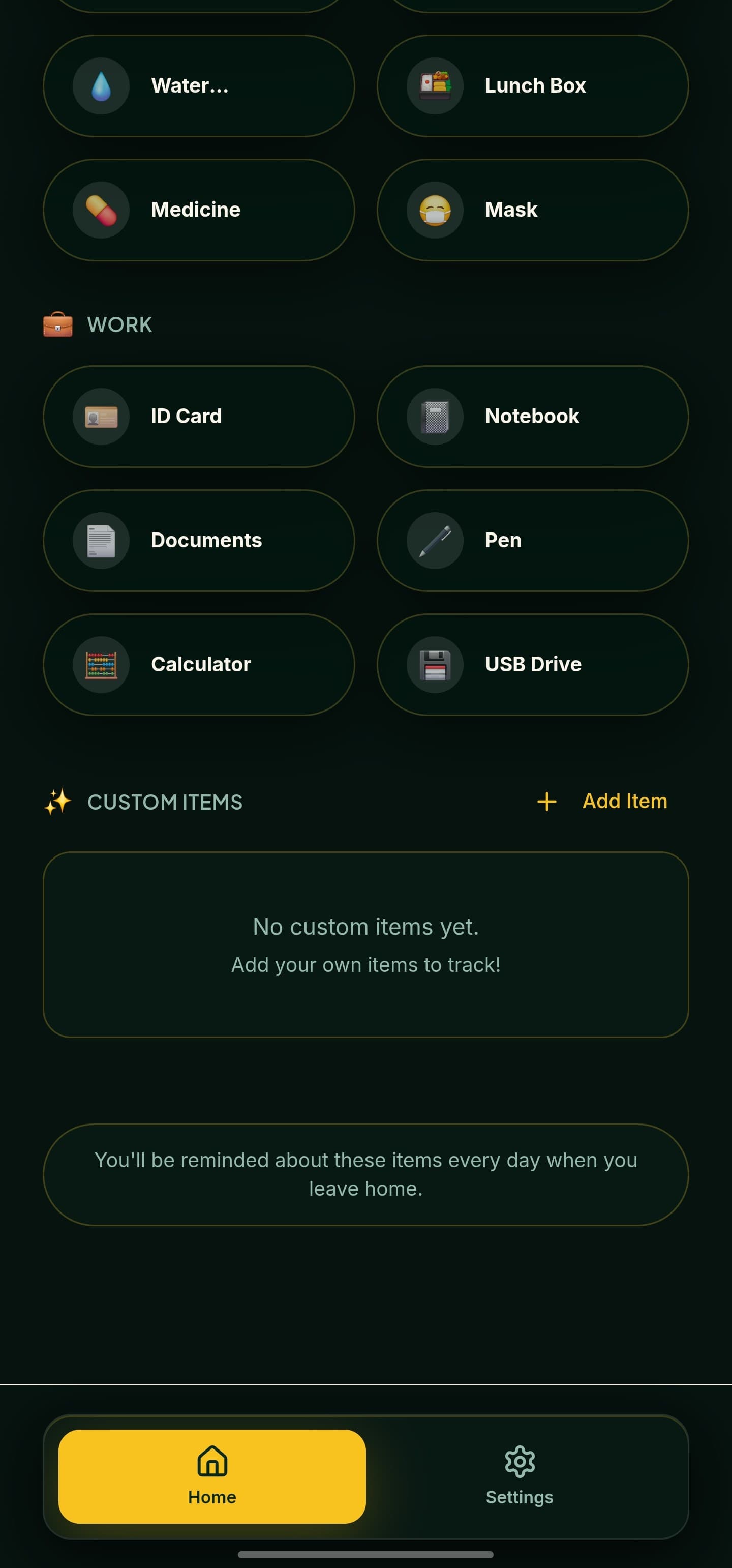
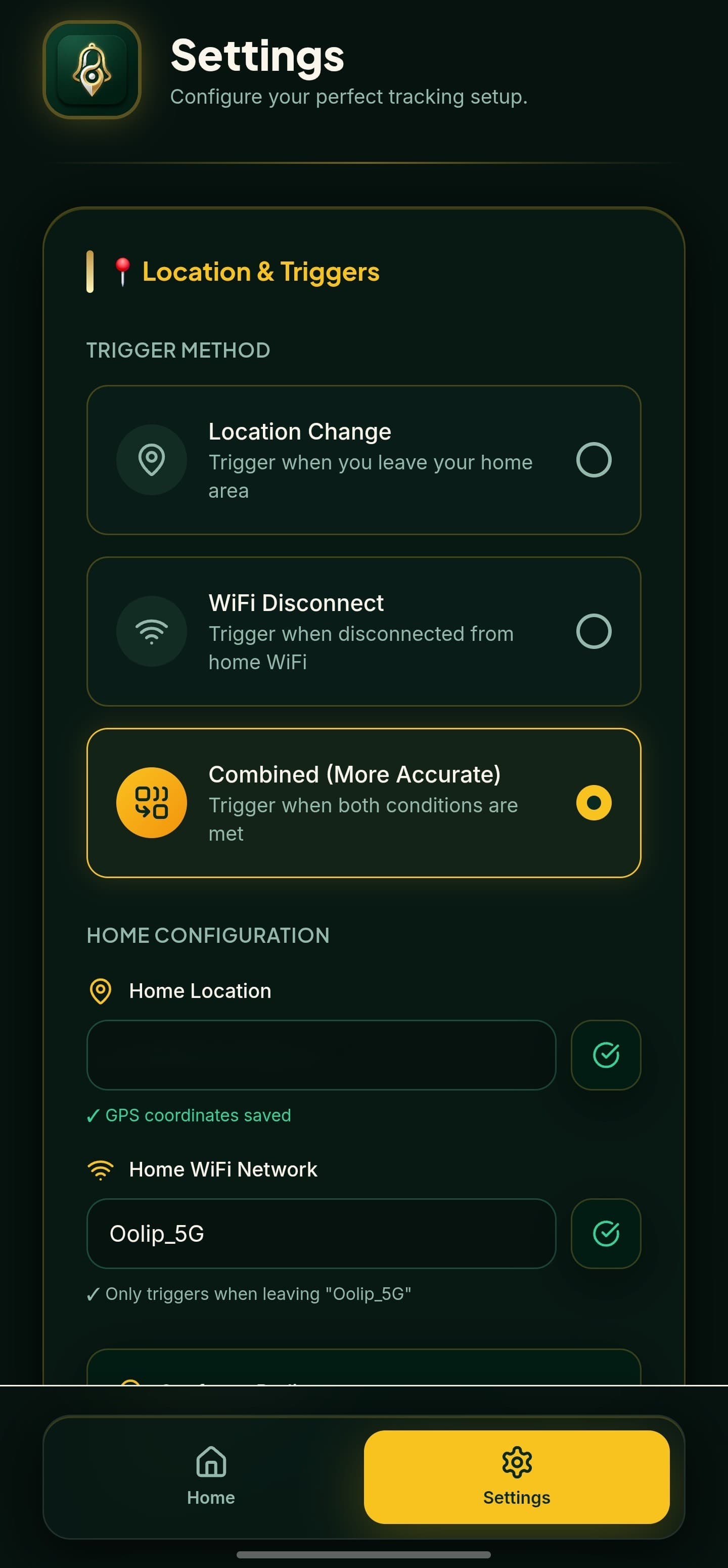
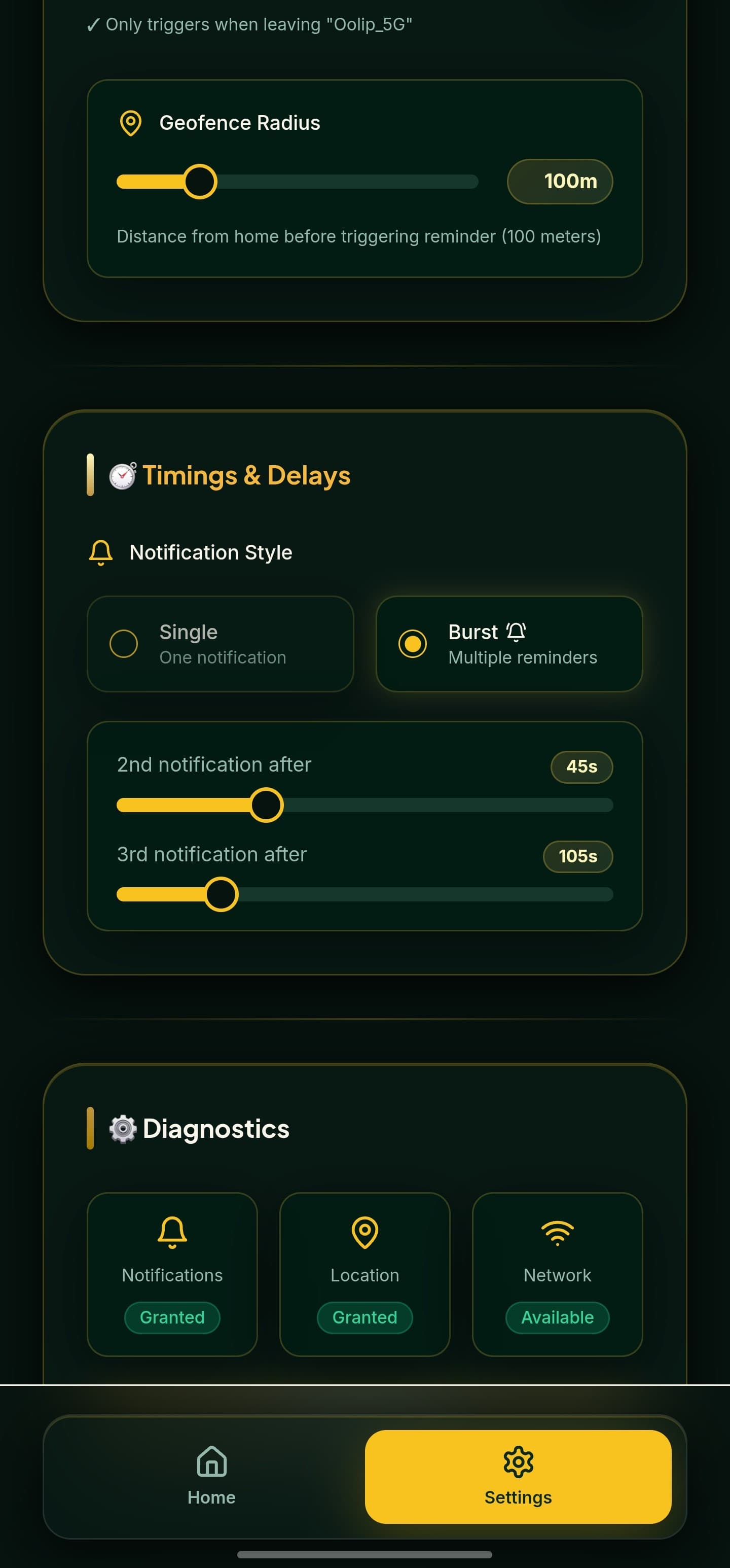
Welcome
A calm, two-mode start — Daily or Trip.
%20Wide%20option.png&w=3840&q=75)
.png&w=3840&q=75)
The whole app, at a glance.
.png&w=3840&q=75)
Built with Kotlin. Forged with AI.
The UI is React + Vite wrapped in Capacitor. But Android aggressively kills background web-views — so the real work happens in a hand-written Kotlin foreground service that survives when the app sleeps. Every native file was crafted through AI pair-programming, reviewed line by line.
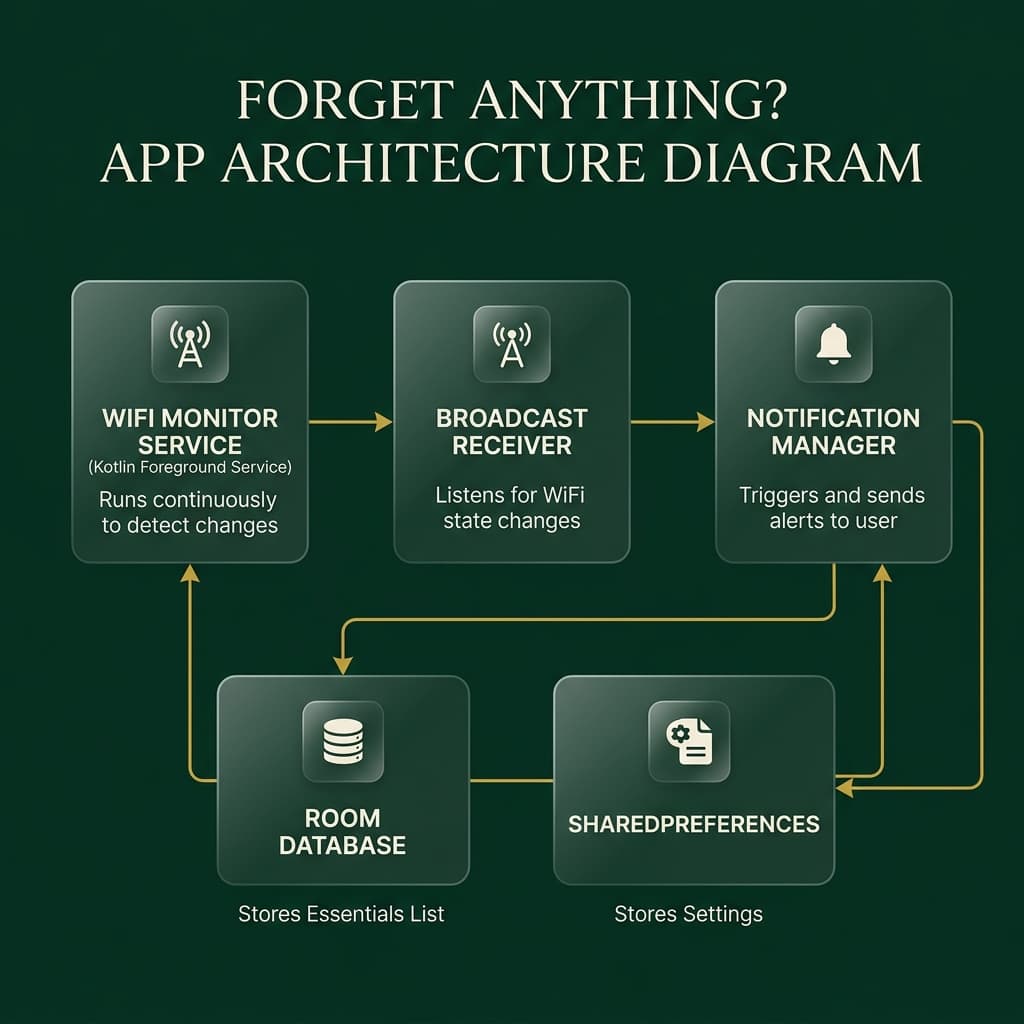
Foreground Service & Native Layer
UI Component Architecture
Lightning-Fast Build Tool
Native Bridge & Runtime
On-Device Structured Storage
Fluid UI Animations
Permissions, honestly.
It's a direct APK, so Android will ask a few things on first run. Here's exactly what, and why each one is needed — nothing more.
Install from this source
Since it isn't on the Play Store, Android asks you to allow the install once. Standard for any sideloaded APK.
Location: “Allow all the time”
Android only lets an app read your home Wi-Fi name and run a geofence with location permission — and background detection needs “always”. It's used purely on-device.
Skip battery optimisation
So the Kotlin foreground service keeps watching after you lock the phone. Without it, Android may sleep the app and miss your departure.
That's the whole list. No account, no internet permission, nothing leaves your phone.
It literally can't phone home.
No Internet Permission
The app never asks for — and never needs — internet access. It cannot send your data anywhere.
100% On-Device
All detection runs locally on your phone. Your essentials list never leaves the device.
Zero Data Collection
No analytics, no tracking, no telemetry. Your routine is yours alone — forever.
Stop forgetting.
Start walking out.
Install the APK, register your home Wi-Fi, and never climb those five flights again.