Why does position: sticky silently stop working?
In short
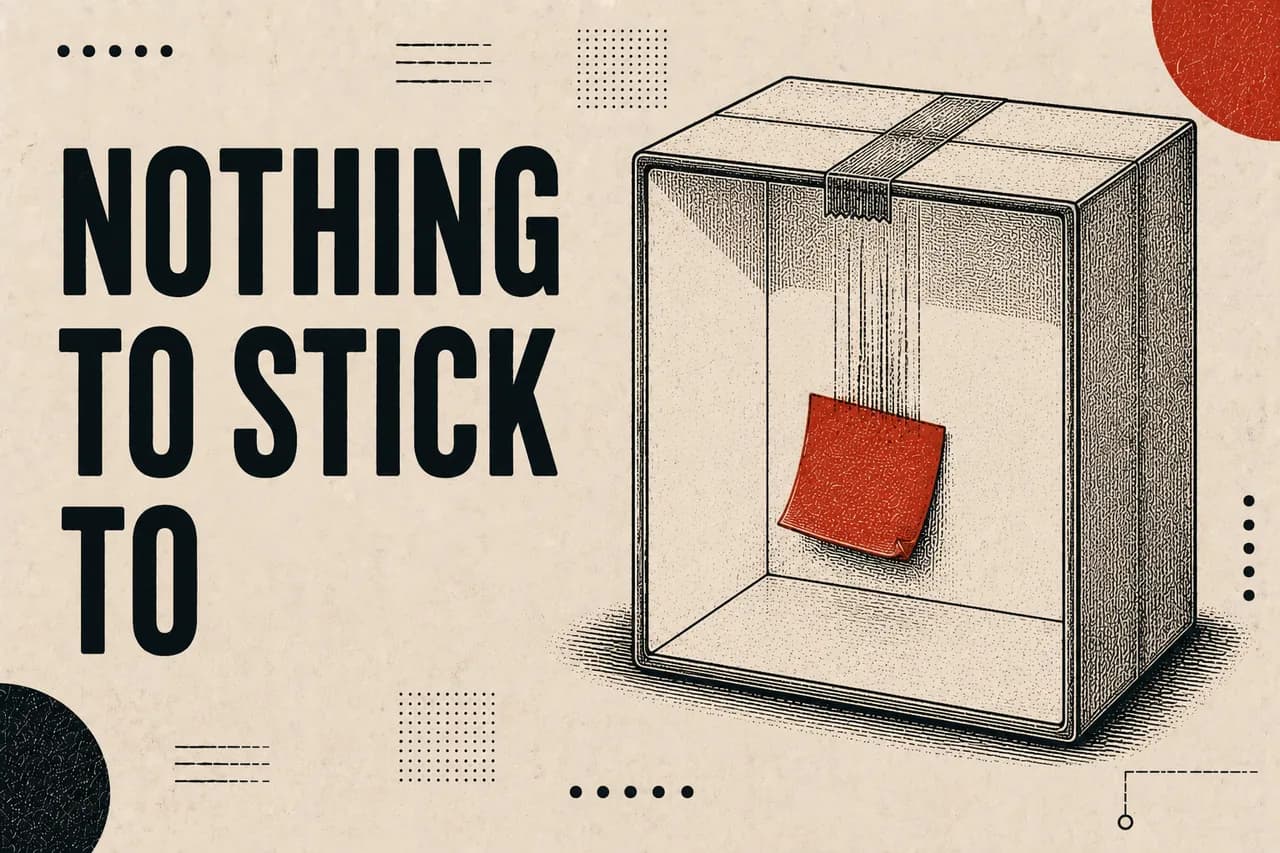
An ancestor with overflow: hidden becomes the sticky element's scroll container. That container never scrolls, so the sticky child has nothing to stick to and scrolls away with the page instead. Nothing errors and no warning appears. Check every ancestor for overflow-hidden before touching the sticky element's own CSS.
- Symptom
- Sticky element scrolls away as if position: static
- Console output
- None — no error, no warning
- Cause
- An ancestor with overflow: hidden, scroll, or auto
- Also breaks
- Children positioned outside the ancestor's bounds
A sticky column on one of my product pages had never once pinned. The CSS was right, the parent had a height, there was room to scroll — and it behaved exactly as if position: sticky had been ignored. It had not been ignored. It was working perfectly, against the wrong scroll container.
#The rule
position: sticky positions an element relative to its nearest scrolling ancestor. What makes an ancestor a scrolling ancestor is any overflow value other than visible — and that includes hidden.
So an ancestor with overflow: hidden becomes the container the sticky element sticks inside. That container does not scroll; it clips. The sticky child therefore has no scroll to respond to, and travels with the page like a static element.
#Finding the ancestor
Walk up from the sticky element and check the computed overflow of every ancestor, rather than reading the source and trusting your eyes. In Tailwind codebases the culprit is almost always an overflow-hidden added for an unrelated reason — a rounded corner clipping an image, or a decorative beam kept inside a card.
let el = $0;
while ((el = el.parentElement)) {
  const o = getComputedStyle(el).overflow;
  if (o !== "visible") console.log(o, el);
}The first thing this prints is your scroll container. If it is not the element you expected to scroll, that is the bug.
#The fix, without losing the clip
Usually the overflow: hidden is there for a reason and cannot simply be deleted. The pattern that resolves both needs is to move the clip onto a wrapper around the thing being clipped, rather than leaving it on the shared ancestor.
// Before — the card clips, so nothing inside it can stick or escape.
<div className="relative overflow-hidden rounded-2xl">
  <SweepBeam />
  <aside className="sticky top-24">…</aside>
</div>

// After — only the decoration is clipped.
<div className="relative rounded-2xl">
  <div className="absolute inset-0 overflow-hidden rounded-2xl">
    <SweepBeam />
  </div>
  <aside className="sticky top-24">…</aside>
</div>#The same rule eats straddling labels
Sticky is the famous casualty, but it is not the only one. Anything positioned to cross the clipping ancestor's boundary gets cut at that boundary — and again, silently.
I had two panels labelled with a legend at -top-[10px], deliberately straddling the card's own border. Both cards carried overflow-hidden for a decorative sweep. Nine pixels of a seventeen-pixel label were being clipped, and neither legend had ever rendered at all. The design had been wrong since the day it shipped and nobody had spotted it, because a partially clipped label just looks like a slightly odd label.
Measure rather than squint: put the offending rule back temporarily and compare the child's getBoundingClientRect().top against the clipping ancestor's. If the child's is smaller, it is being cut.
#The habit worth forming
When a sticky element does not pin, the instinct is to doubt the sticky element — add a height to the parent, try top: 0, check for display: flex. All of that is downstream of the actual question.
- Check every ancestor's computed overflow first, before editing any CSS.
- If one is clipping, ask whether the clip belongs on that element or on a wrapper inside it.
- Only then look at the sticky element's own rules.
Questions this answers
Does overflow: hidden break position: sticky?
Yes. Any ancestor with an overflow value other than visible — including hidden — becomes the sticky element's scroll container. Because a hidden container never scrolls, the sticky child has no scroll to respond to and behaves as if it were statically positioned. No error or warning is produced.
How do I find which ancestor is breaking my sticky element?
Walk up the DOM from the sticky element and log the computed overflow of each ancestor. The first ancestor whose overflow is not 'visible' is the scroll container the sticky element is bound to. If that is not the element you expected to scroll, it is the cause.
How do I keep a clip and still allow a sticky child?
Move the overflow: hidden off the shared ancestor and onto a wrapper that contains only the element being clipped — usually an absolutely positioned decoration. The ancestor stops being a scroll container, the decoration is still clipped, and the sticky child pins correctly.
See also
- Learnings — The skill map — knowledge domains, competencies and credentials
- All Projects — The full archive of AI-native tools, systems and experiments