Keeping API keys out of an app you built with AI
In short
Three rules do most of the work: never let a key appear in code, keep environment files out of version control, and hold production values in the host's environment settings. Rotation is the part most people skip. Push protection catches known key formats only, so it is a net rather than a guarantee.
- Secrets committed to date
- One, early on
- Where production values live
- The host's environment settings, never the repository
- Rotation
- Practised — a set of database and cache keys last week
- Push protection
- Enabled, and only catches recognised provider formats
- Git history rewrites needed
- None so far
Yes, I have committed a secret. Once, early on, before I had any routine at all. Nothing came of it, and it is the reason I have a routine now.
I am starting there because this is the standard criticism of people who build with AI assistance — that we push keys, leave databases open and ship things we have not read — and the honest response is not to deny it. The criticism is earned by somebody. Generating an application is fast and reviewing one is boring, and where those two facts meet you get exactly the outcome the critics describe.
What follows is not clever. It is the boring part, written down.
#The three rules that are not negotiable
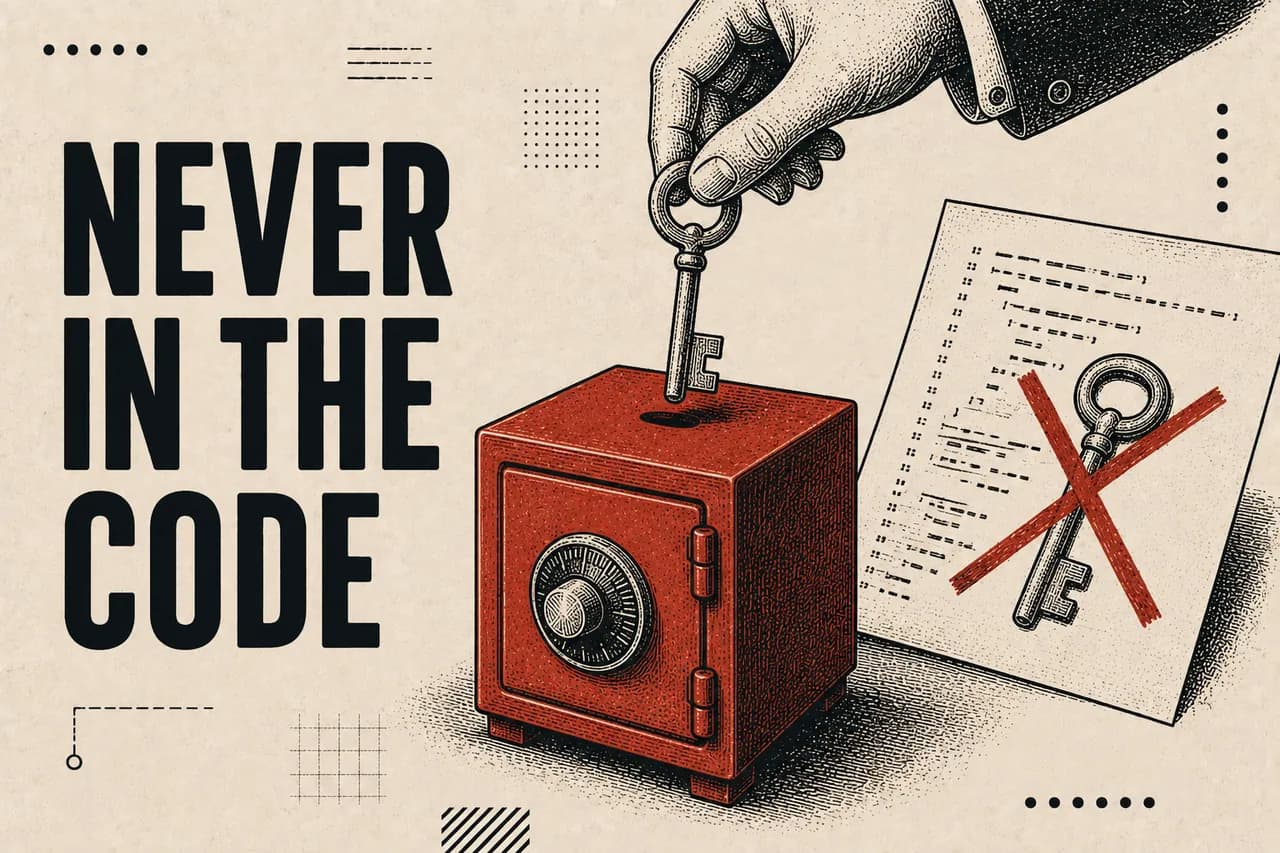
- A key never appears in code. Not temporarily, not "just to test it", not in a comment. The moment it is in a file it is one careless
git addfrom being permanent. - Environment files are excluded from version control before the first commit, not after. Adding the ignore rule later does nothing about what has already been committed.
- Production values live in the host's environment settings. They are set once, in the platform, and the application reads them at runtime.
That is the whole of it, and it predates AI by twenty years. None of this is a new problem. What AI changes is the volume and the speed — there is far more code, it arrived faster, and you did not type it, so your mental map of where things are is weaker than it would be otherwise.
#Rotation is the step everybody skips
A key that has never been rotated is a key you are trusting to have never leaked, and you have no way of knowing that. I rotated a set of database and cache keys last week, with nothing prompting it. That is the point — rotation is maintenance, not incident response.
It also has a second benefit that only shows up when you need it: an application whose keys have been rotated before is an application you know how to rotate keys on. Discovering the procedure for the first time during an actual exposure is a bad evening.
#Push protection is a net, not a guarantee
My largest project has GitHub's secret scanning turned on, and I would recommend it to anyone. I want to be precise about what it does, though, because I have caught myself being reassured by it in a way that is not quite warranted.
Treat it as the thing that catches you on the day you are tired. Not as the reason you can stop paying attention.
#Telling the assistant is useful. It is not a control.
I keep a standing instruction in my assistants never to suggest hardcoding a key, and the current generation of models is genuinely good about this — considerably better than two years ago. It will usually reach for an environment variable without being asked.
Usually is doing real work in that sentence. Models still produce placeholder keys inline in example code, still write config blocks with a literal value where a reference belongs, and will happily follow you down that path if you started it. An instruction shapes the default. It does not enforce anything.
There is also a second exposure that the instruction does not touch at all: the assistant reads your files. A secret sitting in a local file is a secret in the model's context the moment it looks there. Keeping keys out of the working tree is not only about what gets committed.
The control is not the instruction you gave the model. It is that you read the diff before accepting it.
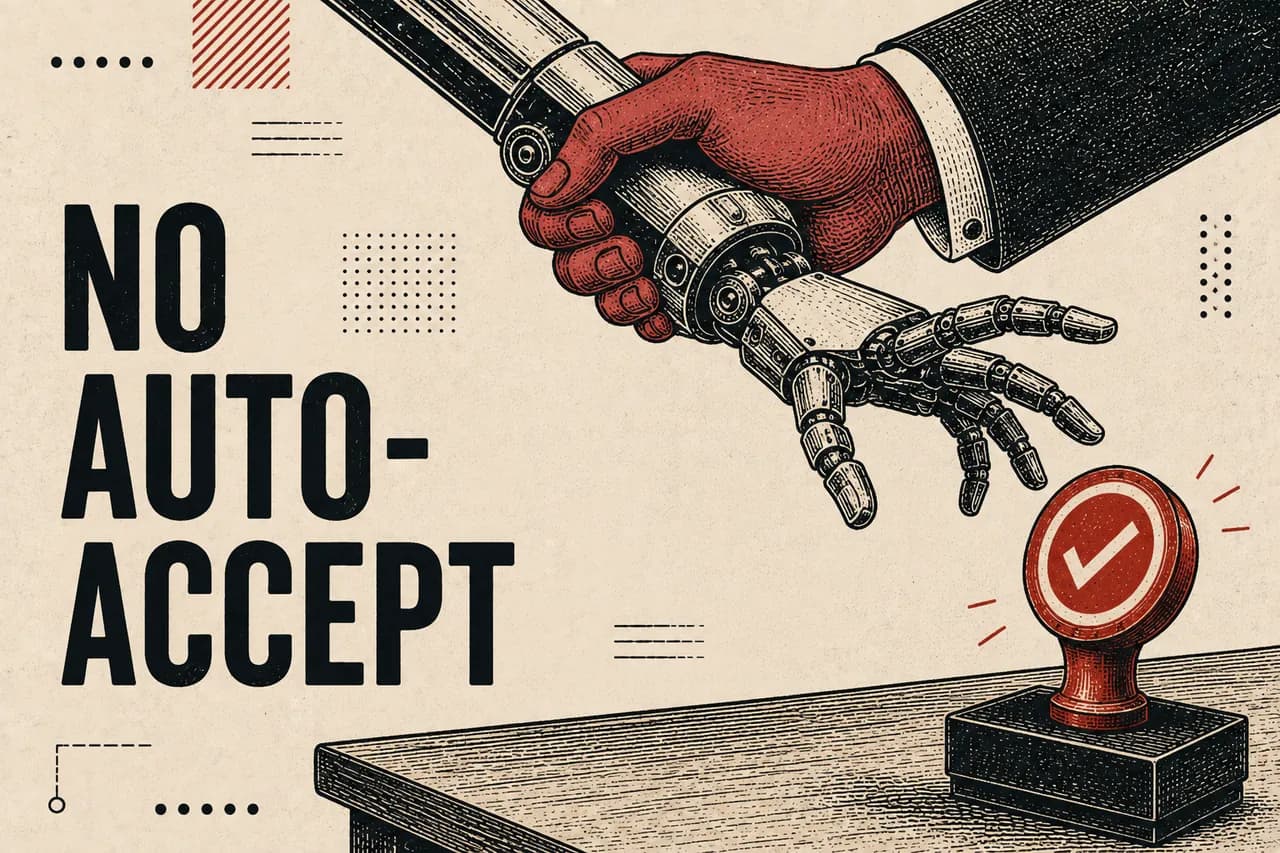
This is the habit I would defend above every other one here. I do not run the coding agent on auto-accept. I read the changes before they land, I read the summaries, I read the commit messages. It is slower, and it is the only reason I can make any claim at all about what is in a codebase I did not type.
#Generate secrets where nothing is watching
The dashboard on this site is password-gated, and the password has never existed anywhere except in the head of the person who set it. The script that sets it up runs entirely on the local machine: it reads the password with the terminal echo turned off, never writes it to disk, keeps it out of shell history, and prints only a slow hash of it — the kind that stays expensive to attack even if the hash itself leaks.
The most important line in that script is a comment addressed to my future self, and it is the one genuinely new rule of this era:
// Paste the two printed lines into .env.local and into Vercel.
// Do not paste them into a chat, an issue, or a commit."Do not paste it into a chat" would have been a strange thing to write down in 2020. It is now the most likely way a working secret escapes, because pasting a config file into an assistant to ask why something is broken is a completely natural thing to do at one in the morning.
One more pattern worth copying: when the configuration is missing, fail closed. The gate in front of my dashboard returns a not-found when its secrets are absent, rather than falling through. A deployment that loses its environment variables should lock the door, not leave it standing open with a note on it.
#If you have already committed one
Rotate it first. Before anything else, before you touch the repository at all. The key is compromised from the moment it was pushed, and deleting the commit does not un-publish it — it may already be in a fork, a cache, an automated scraper, or somebody's clone.
Rewriting history afterwards is worth doing for a genuine exposure. It is not worth doing for tidiness, and I have declined it: an assistant once suggested I wipe the history on one of my repositories before opening it up, and I looked at what was actually in there. Ordinary commits, no credentials, nothing sensitive. Rewriting history breaks every existing clone and reference, and I was not willing to pay that to hide the fact that a project used to be private.
- Rotate the key. Immediately, and before anything else.
- Confirm the new value works and the old one is genuinely revoked.
- Then decide whether the history needs rewriting — for a real exposure, yes; to look tidy, no.
- Add the ignore rule, and check what else is sitting in the same directory.
#The reason this is worth writing down
I did not learn any of this from being breached. I learned most of it from reading, and one piece of it from a single careless commit years ago that cost me nothing except the habit I now have.
The argument that people who build with AI cannot be trusted with credentials is not answered by insisting it is untrue. It is answered by having a routine, being able to describe it, and being able to show the commits where it was followed. That is available to anybody, and it takes an afternoon to set up.
Questions this answers
Is it easy to commit an API key by accident when building with AI?
The risk is higher than when writing code by hand, because there is more of it, it arrives faster, and the developer did not type it — so their mental model of where values live is weaker. The mitigations are unchanged: no keys in code, environment files excluded from version control before the first commit, and production values held by the host.
Does GitHub secret scanning stop you pushing a secret?
Only for secrets matching known provider formats. Push protection recognises the shapes of tokens issued by major services and blocks those. A connection string in an unusual format, an internally generated signing secret or a password in a config file will not be recognised and will pass through, so it should be treated as a safety net rather than a control.
What should you do if you have already committed an API key?
Rotate it first, before touching the repository. The key is compromised from the moment it was pushed and removing the commit does not unpublish it — it may exist in forks, caches or clones already. Once a new key is working and the old one is revoked, decide separately whether the history genuinely needs rewriting.
See also
- Notebook — The notebook — what broke and the actual fix, plus first-person accounts of building as a marketer
- All Projects — The full archive of AI-native tools, systems and experiments
- Privacy — What is collected, by whom, and how to opt out